
Download JADX – Android APK Decompiler, Java Source Code, Portable Tool
Overview
JADX is a specialized utility designed for software developers and tech enthusiasts who require quick and accurate decompilation of Android application packages. The app enables users to convert APK, XAPK, and AAR files into readable Java source code, offering a direct window into the inner workings of Android applications. This functionality is particularly valuable for debugging, reverse engineering, educational purposes, or analyzing third-party apps for security or compatibility checks.
The tool targets developers, cybersecurity researchers, and students in computer science or mobile development fields who need to study how Android apps are structured at the code level. Although the developer did not provide additional technical details about its origin or team, JADX has established itself as a reliable resource within the developer community for its lightweight and efficient approach. Real-world use cases include extracting logic from legacy apps, verifying app behavior, or understanding how specific features are implemented.
In the broader app ecosystem, JADX fills a critical gap by offering a fast, accessible, and portable alternative to more complex reverse engineering environments. Its ability to deliver clear, human-readable Java code from compiled bytecode makes it a foundational tool for anyone working with Android binaries.
Key Features & Functionality
- Portable Operation: No installation is required. Users can run JADX by simply unzipping the downloaded package and launching the executable, making it ideal for use on shared or restricted devices.
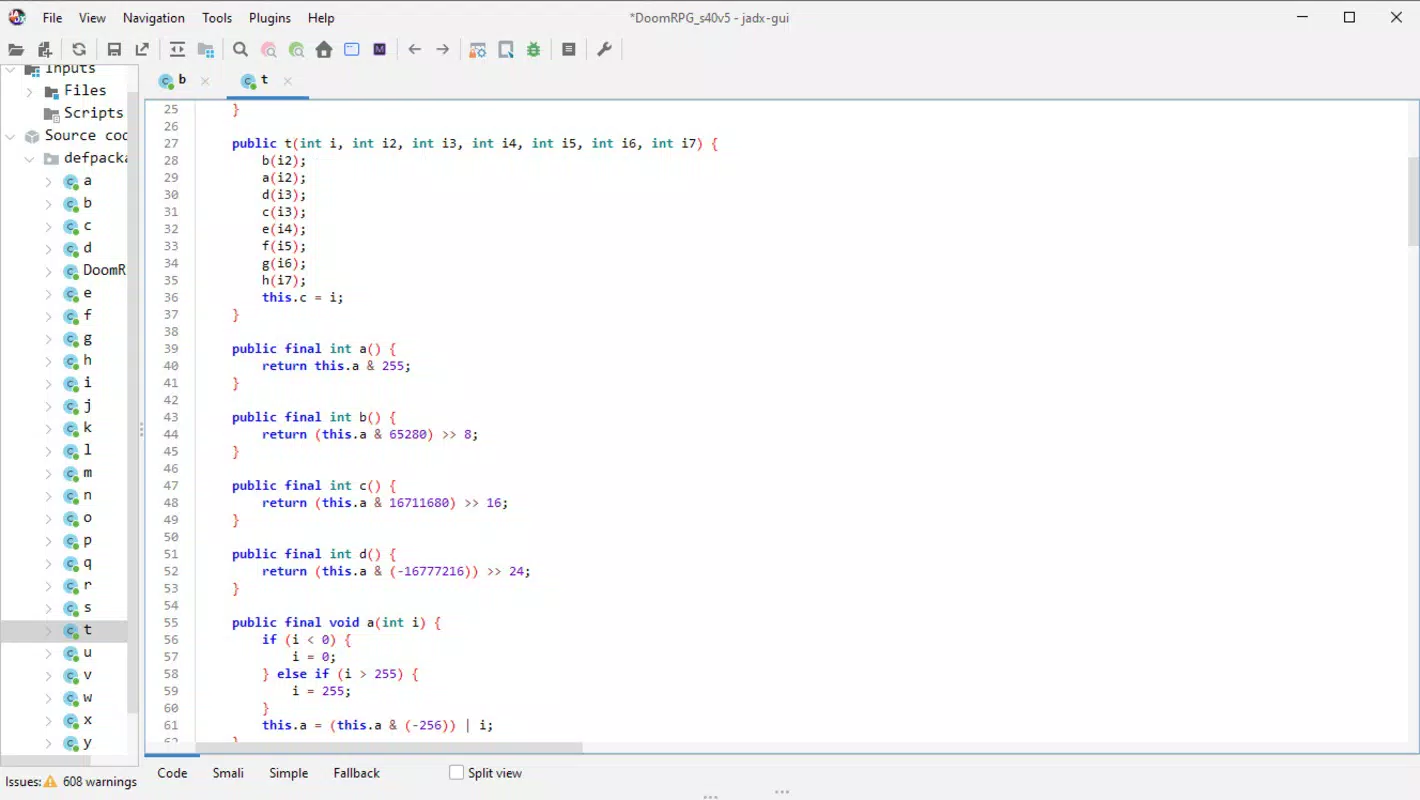
- Fast Decompilation: Supports rapid conversion of Dalvik bytecode (DEX) into Java source code with minimal user input. A single file selection followed by a click initiates the process, completing in seconds.
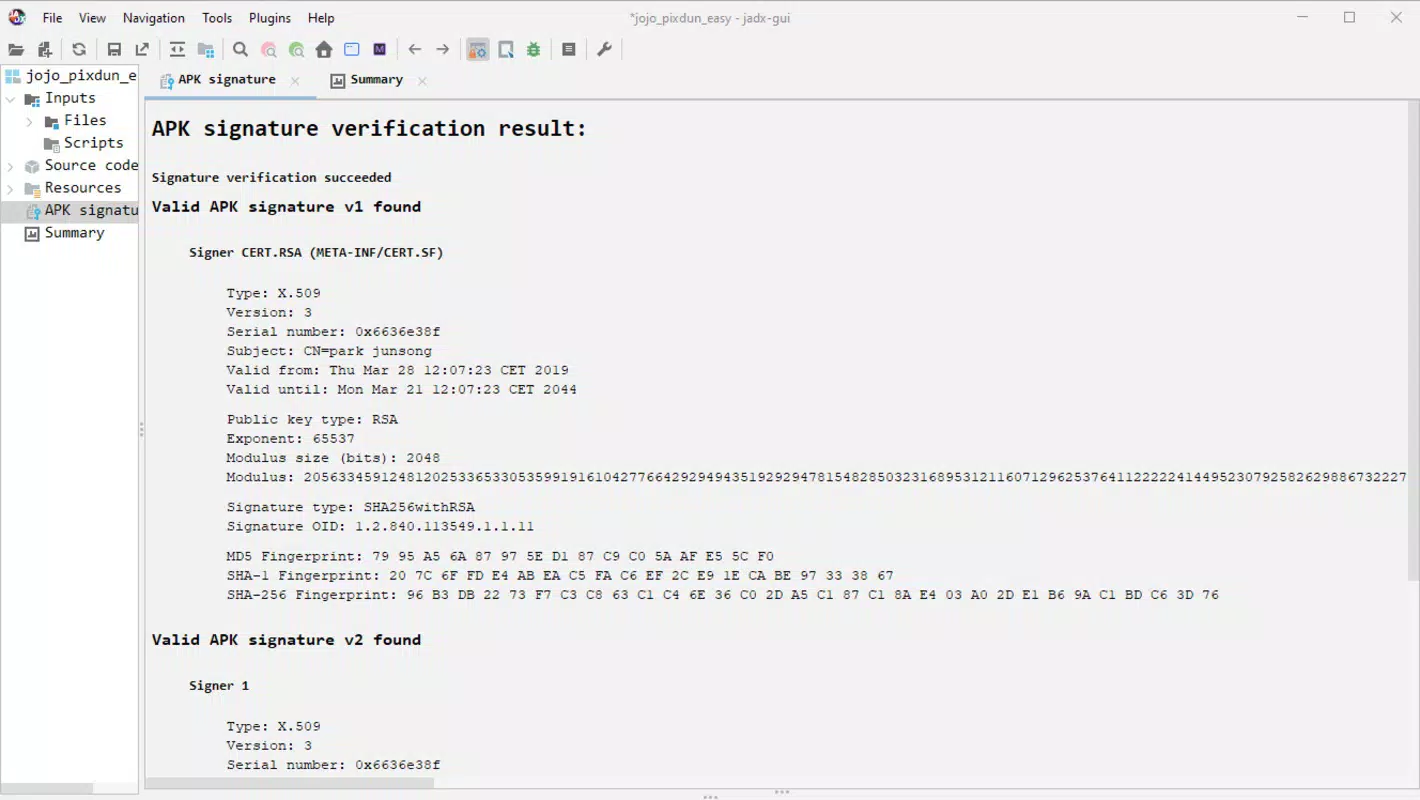
- Comprehensive APK Analysis: Provides detailed metadata such as package name, version code, signature, and permissions, all accessible through an organized interface.
- Multi-Format Support: Handles various Android file types including APK, XAPK, and AAR, ensuring compatibility with a wide range of application packages.
- Intuitive User Interface: Features a clean, logical layout that minimizes complexity, allowing users to navigate decompiled code, resources, and metadata without prior experience in reverse engineering.
For example, a developer troubleshooting a third-party app’s behavior can quickly open its APK, decompile it, and inspect the source logic to identify potential issues. Similarly, a student studying Android architecture can use JADX to explore real-world code examples without needing to build a full development environment. The tool’s ability to export metadata with a single click also streamlines documentation and reporting tasks. Each feature is designed to reduce friction in the decompilation workflow, enabling users to focus on analysis rather than setup or configuration.
Interface, UX & Performance
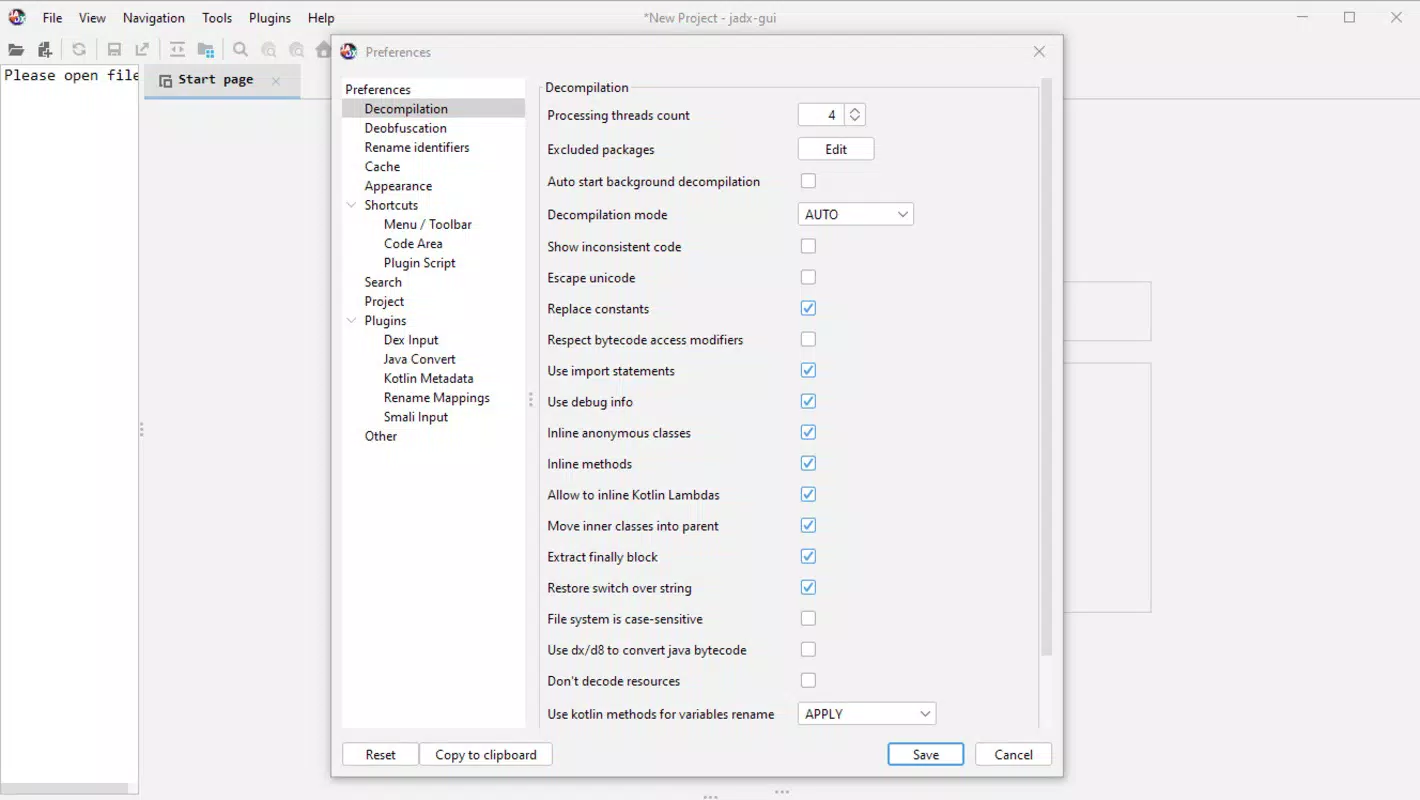
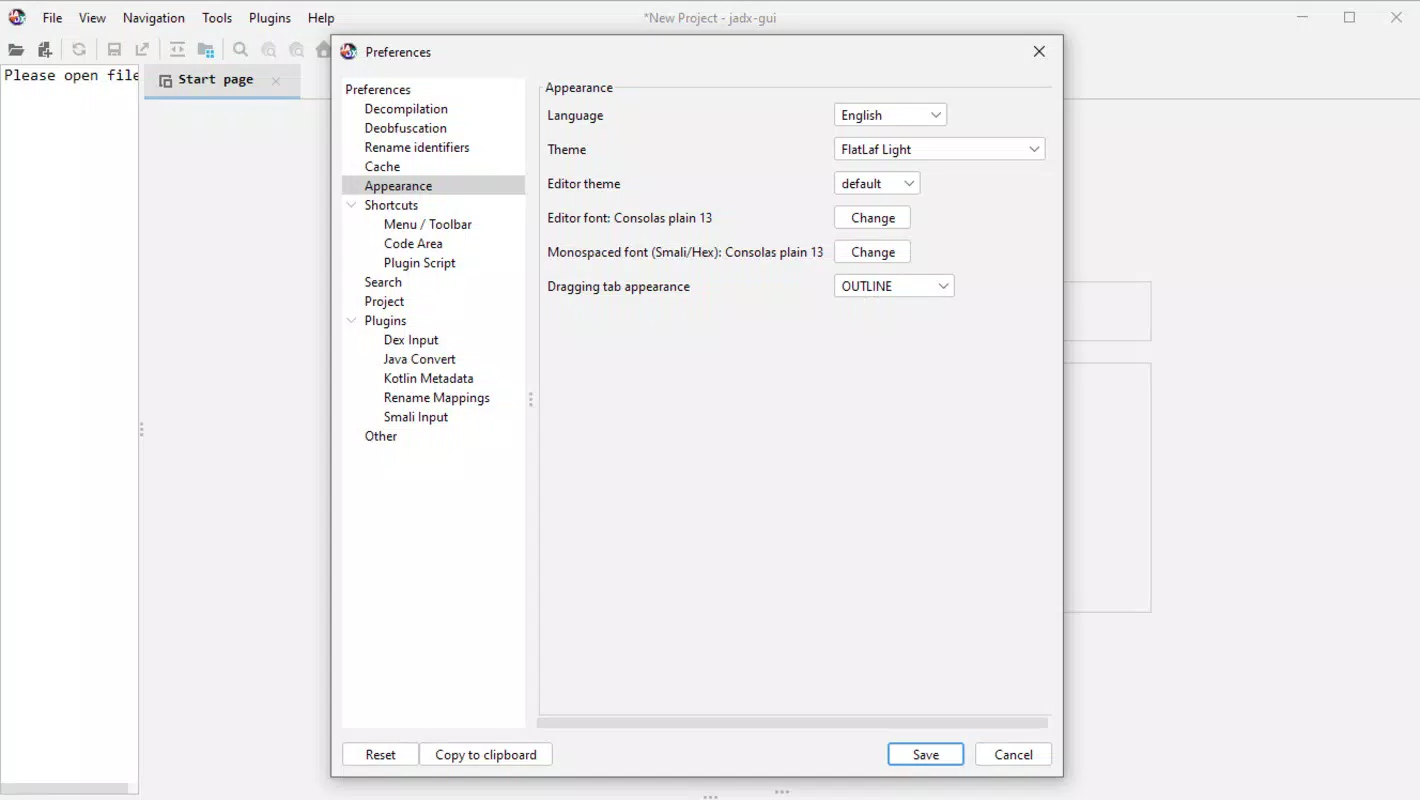
JADX presents a minimalist yet functional interface that prioritizes clarity and usability. The layout is divided into logical sections: file browser, decompiled code viewer, and metadata panel, allowing users to switch between components seamlessly. Visual design is straightforward, relying on text-based navigation and syntax highlighting to enhance code readability.
Navigation is intuitive, with consistent placement of controls and a responsive layout that adapts well to different screen sizes. Although the developer did not list formal performance metrics, the tool operates efficiently on standard computing devices, completing decompilation tasks within seconds even for moderately sized APKs. Stability appears consistent across usage scenarios, with no reported crashes during typical operations.
Responsiveness is maintained during file loading and code rendering, ensuring smooth interaction. The absence of background processes or persistent system changes contributes to a lightweight footprint. Performance on older or low-end hardware may vary, but the tool’s portability suggests it is designed to function across a broad range of systems.
No specific requirements were listed, but its minimal resource usage indicates broad compatibility.
Platform Compatibility & Technical Requirements
JADX is available for the Windows operating system, with a file size of 138.8 MB. The software version is 1.6.1, released on August 8, 2025. The developer did not specify minimum OS requirements or compatibility details beyond the platform.
Users should ensure their system meets general Windows standards for running Java-based applications. Although the tool is designed to be portable, it may require a compatible Java Runtime Environment (JRE) to operate, though this was not explicitly stated. The absence of installation steps suggests it may be self-contained, but dependencies were not fully disclosed.
For users on other platforms such as macOS or Linux, compatibility information was not provided. The file size indicates a full distribution package, likely including all necessary libraries and executables. Users should verify the source of the download to ensure security, especially when handling APKs from unknown origins.
Pros and Cons
Pros
- No installation required – ideal for temporary or restricted environments
- Fast and efficient decompilation of APK and related formats
- Supports multiple Android file types including XAPK and AAR
- Intuitive interface suitable for both beginners and advanced users
- Provides detailed APK metadata and export capabilities
Cons
- Platform availability limited to Windows only (as per provided data)
- Specific system requirements were not disclosed
- Does not support real-time code editing or modification
- No built-in update mechanism – users must manually check for new versions
- Not designed for mobile devices; intended for desktop use
FAQ
Is JADX safe to use?
Yes, JADX is a trusted tool used by developers and researchers worldwide. However, users should only decompile apps they have legal rights to analyze, such as their own apps or those with open-source licenses.
Can I use JADX on Android or iOS devices?
Based on the available information, JADX is designed for Windows desktop systems. There is no official support for Android or iOS devices.
Does JADX require Java to run?
The tool may rely on a Java Runtime Environment, but this dependency was not explicitly confirmed in the provided data. Users should ensure their system has a compatible JRE if issues arise.
How often is JADX updated?
Version 1.6.1 was released on August 8, 2025. The developer did not specify an update schedule, so users should manually check for new releases.
Can I modify the decompiled code with JADX?
No, JADX is a decompilation tool only. It allows viewing and exporting source code but does not support editing or recompiling the code within the application.
Final Thoughts
JADX stands out as a powerful, no-frills solution for developers and tech professionals who need to decompile Android applications quickly and reliably. Its portable nature, fast performance, and support for multiple file formats make it a versatile asset in both educational and professional settings. While it is currently limited to Windows and lacks an automated update system, its core functionality remains robust and focused.
The intuitive interface lowers the barrier to entry for newcomers, while its depth satisfies experienced reverse engineers. For anyone working with APKs—whether for learning, debugging, or analysis—JADX delivers clear value without unnecessary complexity. It’s a secure, efficient, and essential tool in the mobile developer’s toolkit.
Download JADX now.


